Professional Camera Control for Android
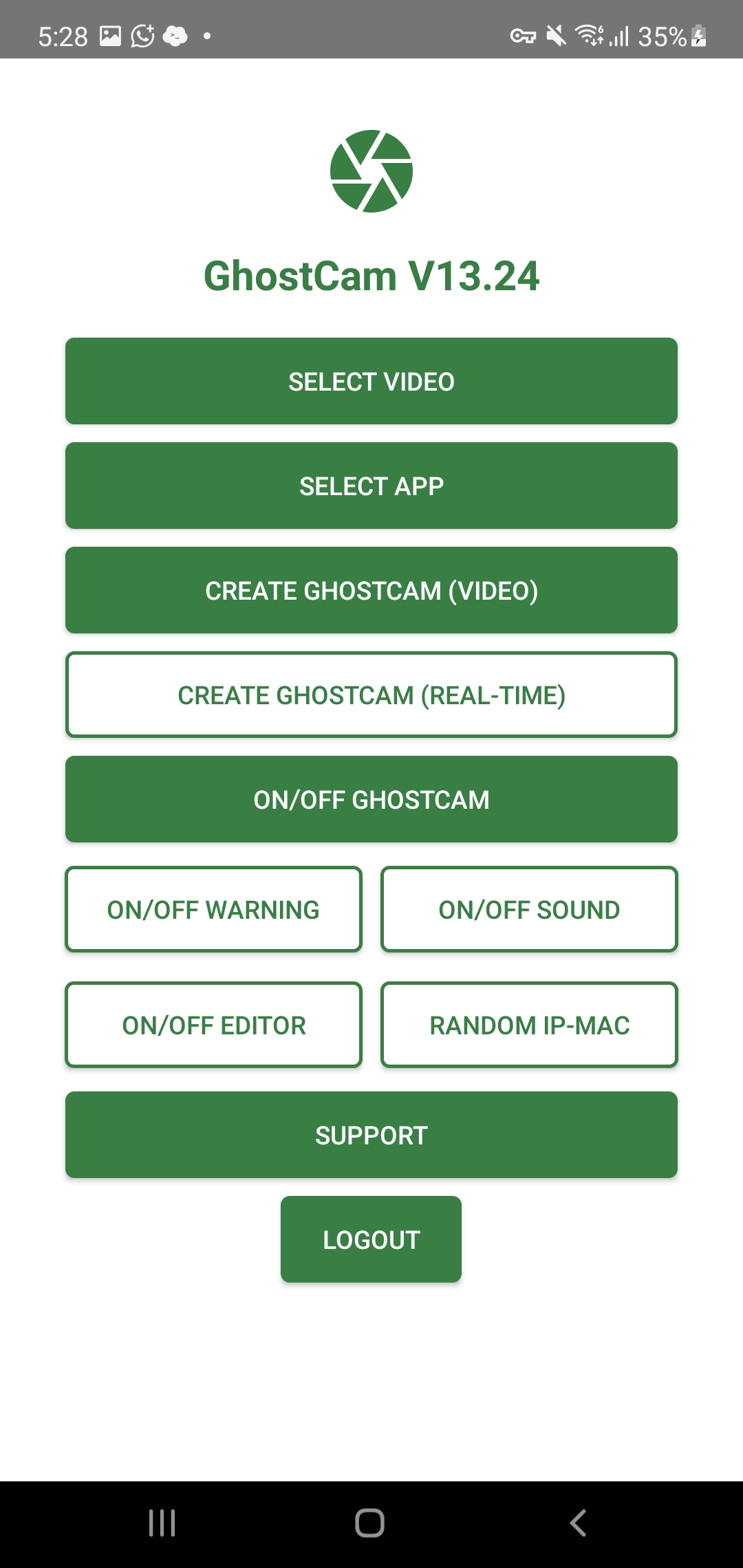
Take full control of your camera output on Android. Choose any image or video as your live camera feed — perfect for streamers, presenters, content creators, and professionals who need a reliable alternative camera source.
 GhostCam'">
GhostCam
GhostCam'">
GhostCamWhy GhostCam?
A complete camera control solution for Android
Full Camera Control
Choose any image or video as your live camera output — total control over what your device shows.
Custom Media Sources
Use pre-recorded videos, images, or custom content as a seamless looping camera feed.
Privacy by Design
Keep your real surroundings private. Control exactly what appears on camera at all times.
Smooth & Reliable
Optimized performance with minimal battery drain. Works on Android 7.0 and above.
Customization Options
Adjust backgrounds, overlays, watermarks, and visual elements to suit any use case.
Scheduled Activation
Set custom times for automatic activation. Perfect for planned sessions and professional use.
How It Works
Set up in a few simple steps
Install GhostCam
Download and install GhostCam on your Android device. Enable installation from unknown sources if prompted.
Choose Your Source
Select any image or video from your gallery as your camera source.
Go Live
Start the camera and open the app you want to use — GhostCam handles the rest automatically.
Important Information
- Ideal for streamers, presenters, content creators, and professionals who need a custom camera source.
- Works on Android 7.0 and above.
- An activation key is required to use the app. Get one here.
- Users are responsible for complying with all applicable laws and platform policies.
Download GhostCam
Get the app for your Android device
GhostCam Standard
Core camera control features.
- Custom camera source
- Image & video input
- Standard HD • 30fps
- Basic customization
- No watermark
Activation key required
GhostCam Pro
Advanced features for professionals.
- Everything in Standard
- Voice Synthesis
- Scheduled Activation
- Dual Audio Output
- Face Motion Transfer
- Image to Video
- HD/4K resolution • 60fps
- No watermark
Frequently Asked Questions
Terms of Use
Legitimate Use Only: GhostCam is provided for professional and personal use. It must not be used for fraud, impersonation, harassment, or any illegal activity.
Compliance: Users are solely responsible for complying with all applicable laws and the terms of service of any third-party applications.
No Liability: The developers of GhostCam are not responsible for any misuse of the software or any consequences arising from its use.
Acceptance: By downloading and using GhostCam, you agree to these terms. If you do not agree, please do not use the software.